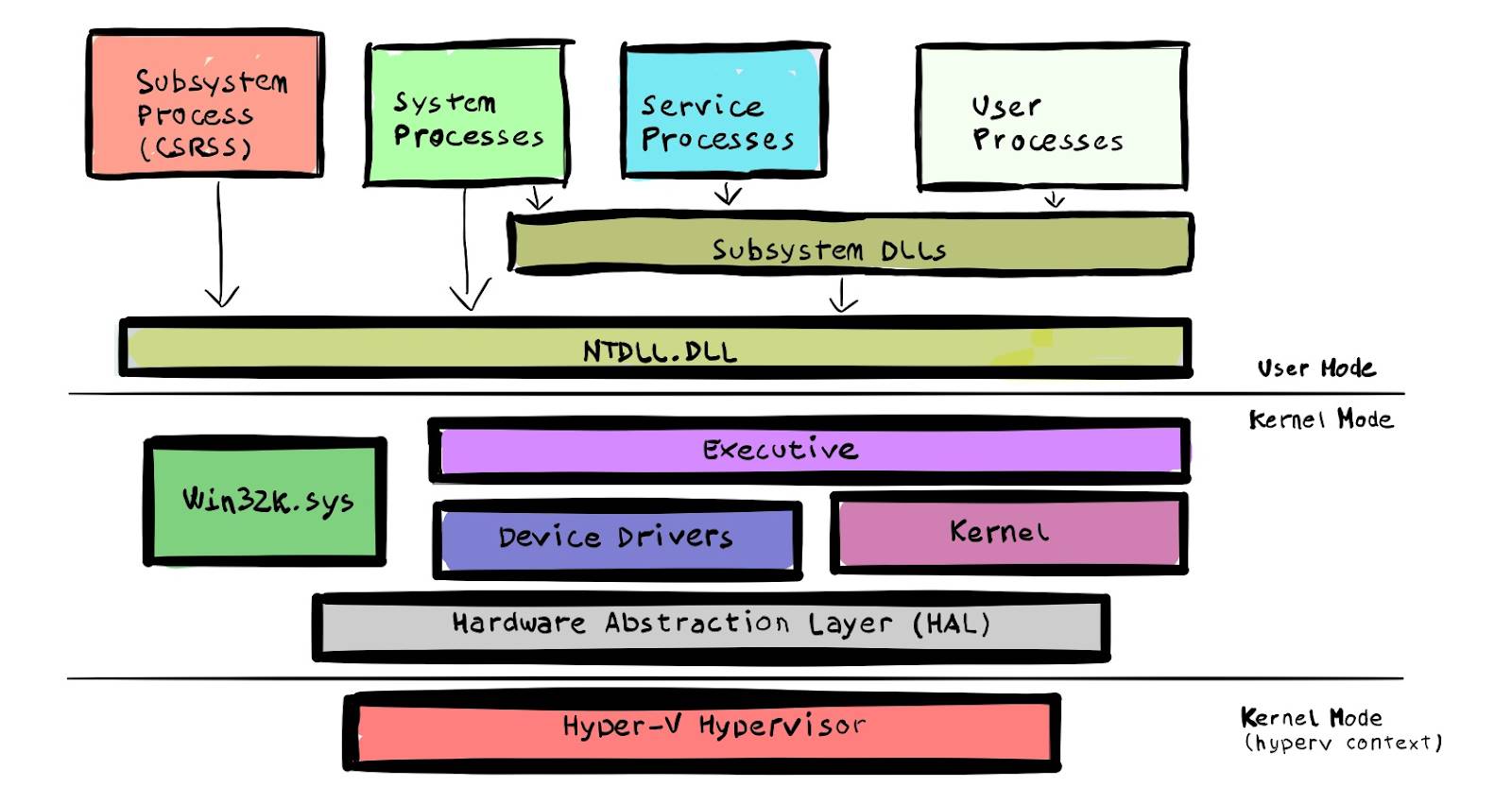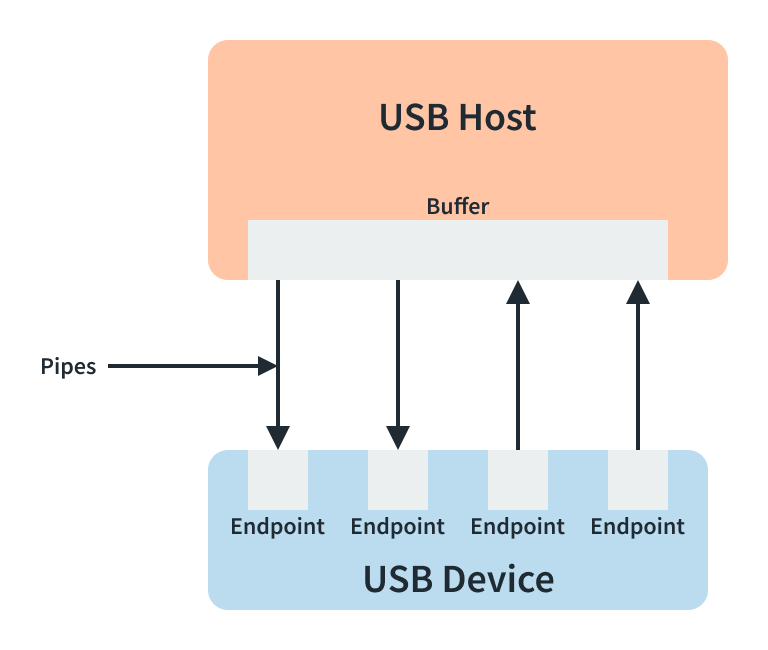





How to capture USB packet by Wireshark
First make sure Install USB capture when install Wireshark:
- Open Wireshark and make sure capture newly connected device:
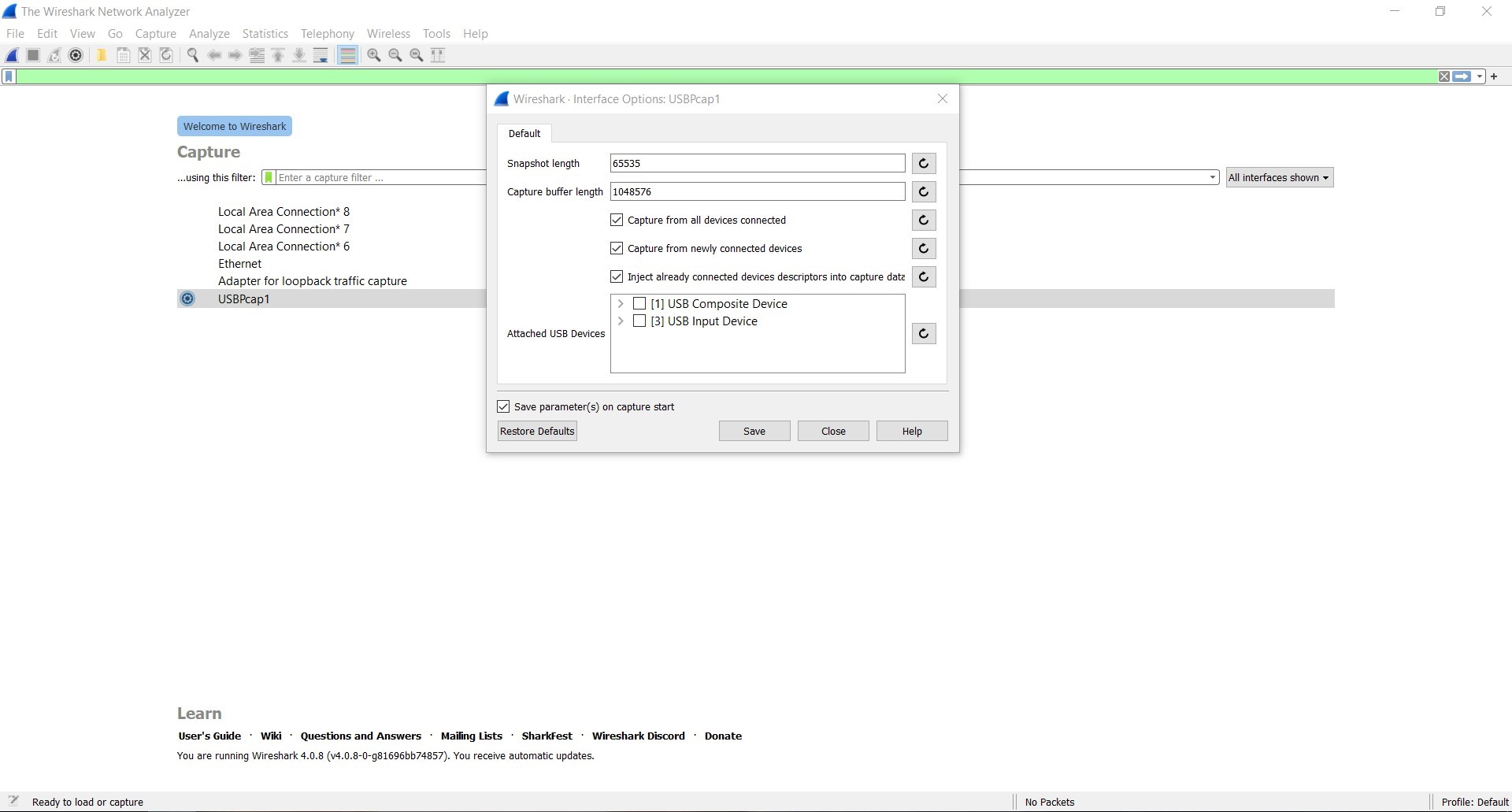
- Unplug you device and plug it, you will find new device connect process
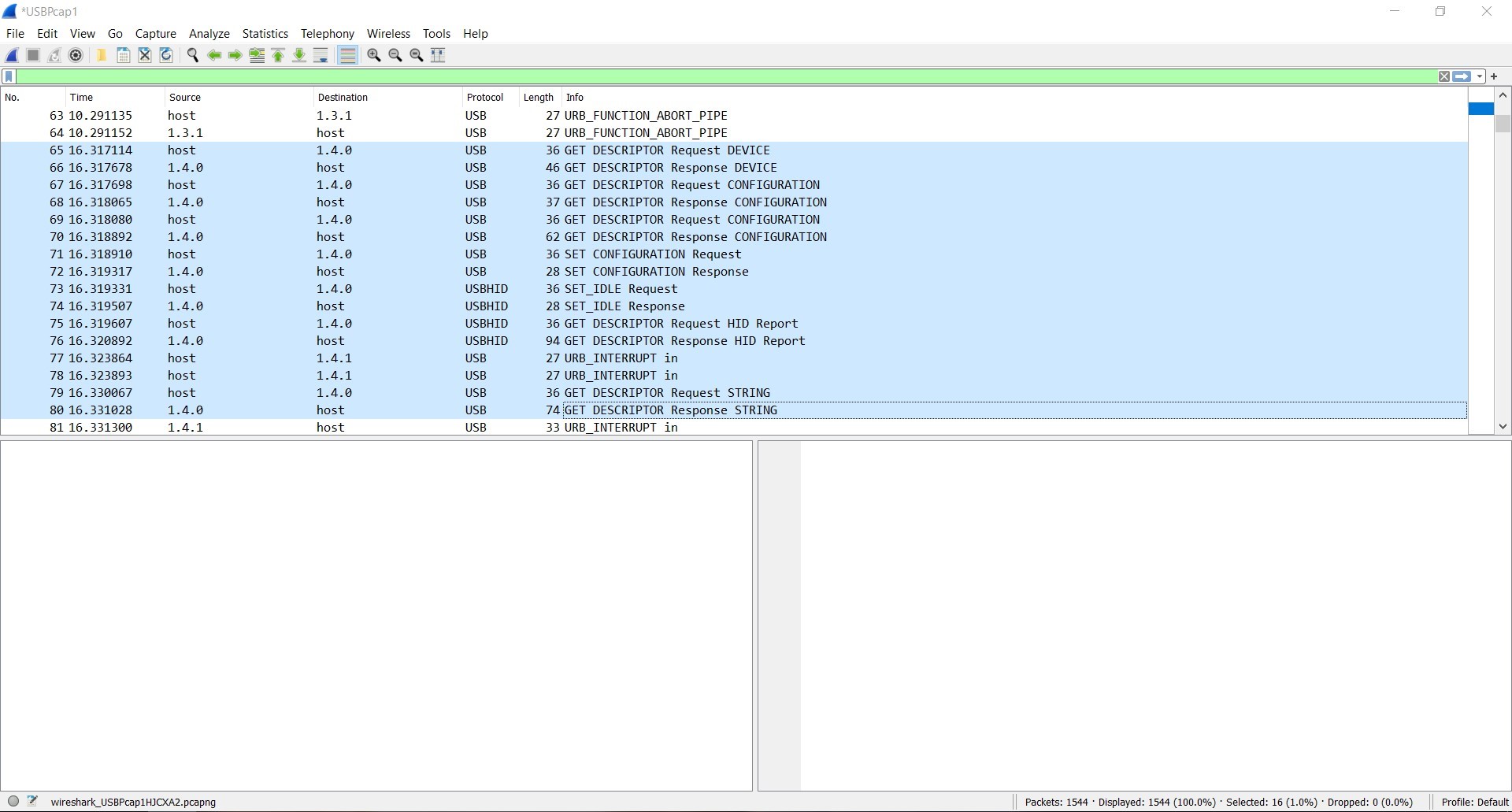
- In HID report will tell you this device hid report descriptor:
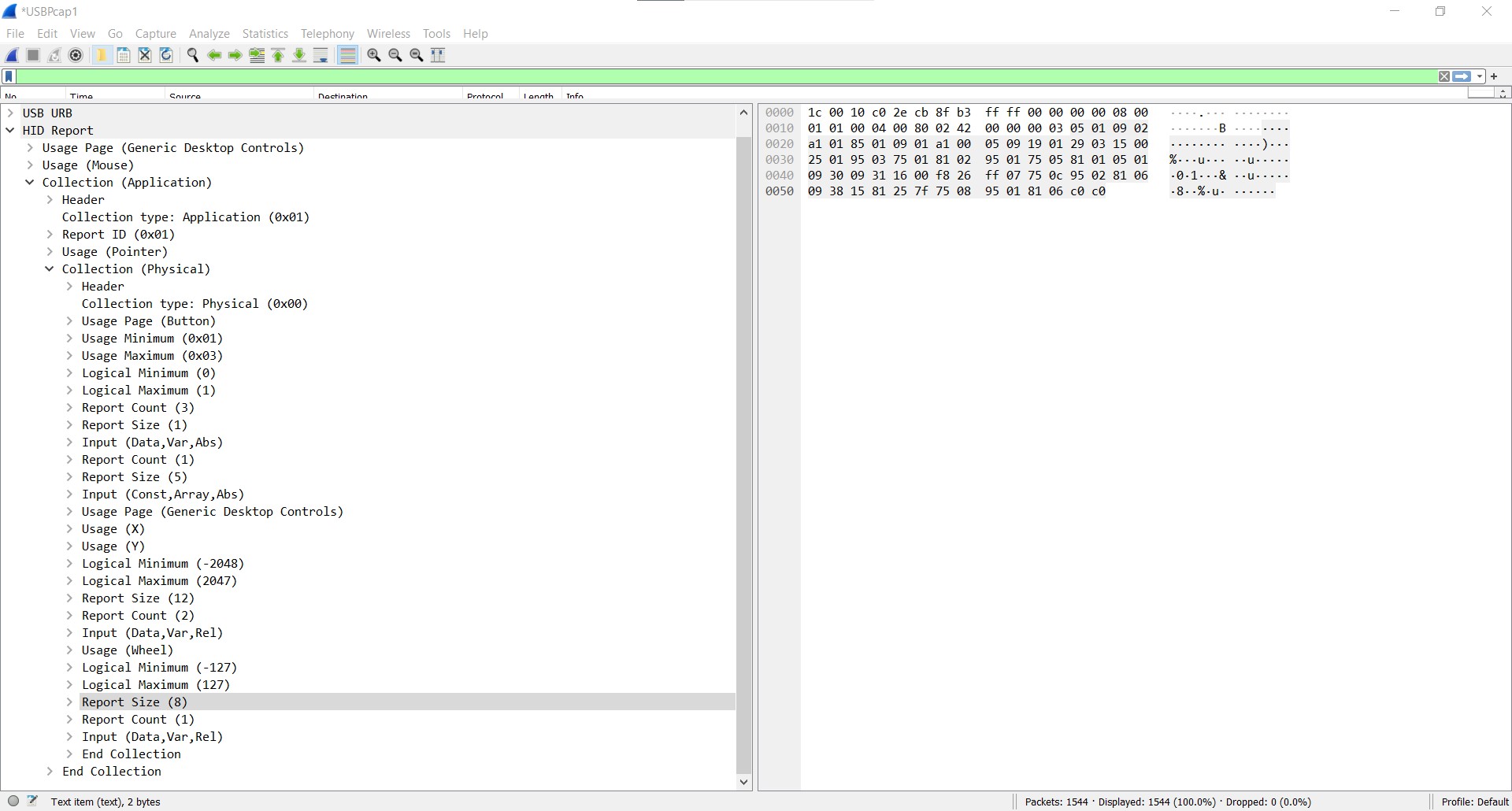
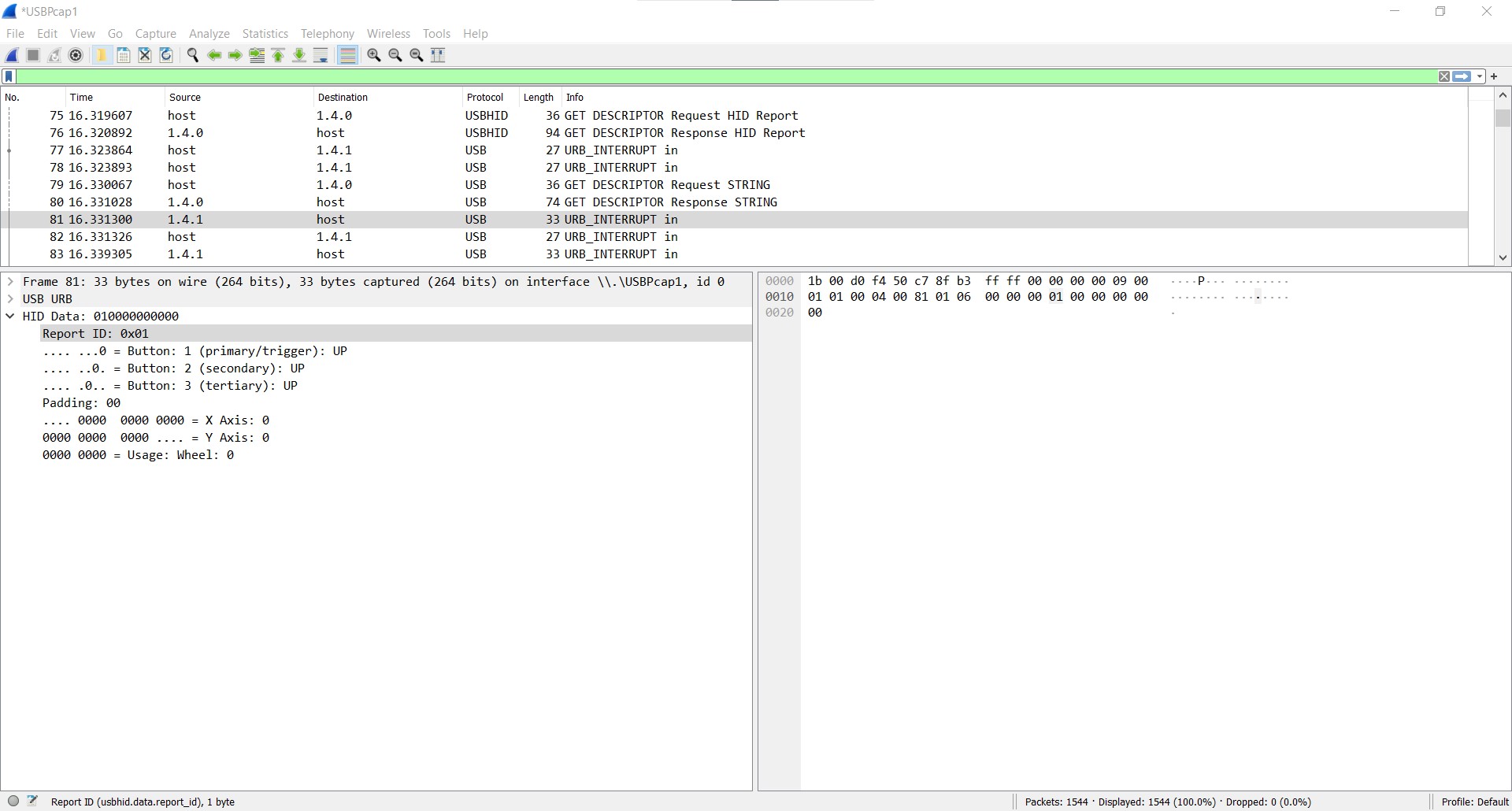
- after Wireshark get the hid report descriptor, then device data packet can be translate to it explanation:
Linux系统网络抓包
在Windows下使用Wireshark是个不错的选择,但在Linux特别是小工控机上受限于性能,GUI版本的Wireshark运行并不方便,使用tshark 是更好的选择:
sudo apt install tshark
sudo tshark -i eth0 -d tcp.port==5901,spice -f "host 172.19.0.212" -w ./interesting-packets.pcap
上面会从eth0抓取数据,将tcp端口5901解码为spice协议, 过滤212环境的包,将抓到的包保存在./interesting-packets.pcap。
modprobe usbmon
sudo tshark -i usbmon1 -w ./interesting-packets.pcap
上面会从usb抓包,将抓到的包保存在./interesting-packets.pcap。
如果提示文件权限不够的话,将文件chmod 777 interesting-packets.pcap。
一些特殊的系统需要切到root用户才能使用,并且只有对root目录下文件有读写权。
之后:
sudo apt install lrzsz
sz interesting-packets.pcap
将文件保存到Windows主机使用Wireshark可以方便查看。